


Mastering Minimalism: Your Guide to the iPhone Black Dock Wallpaper in 2025
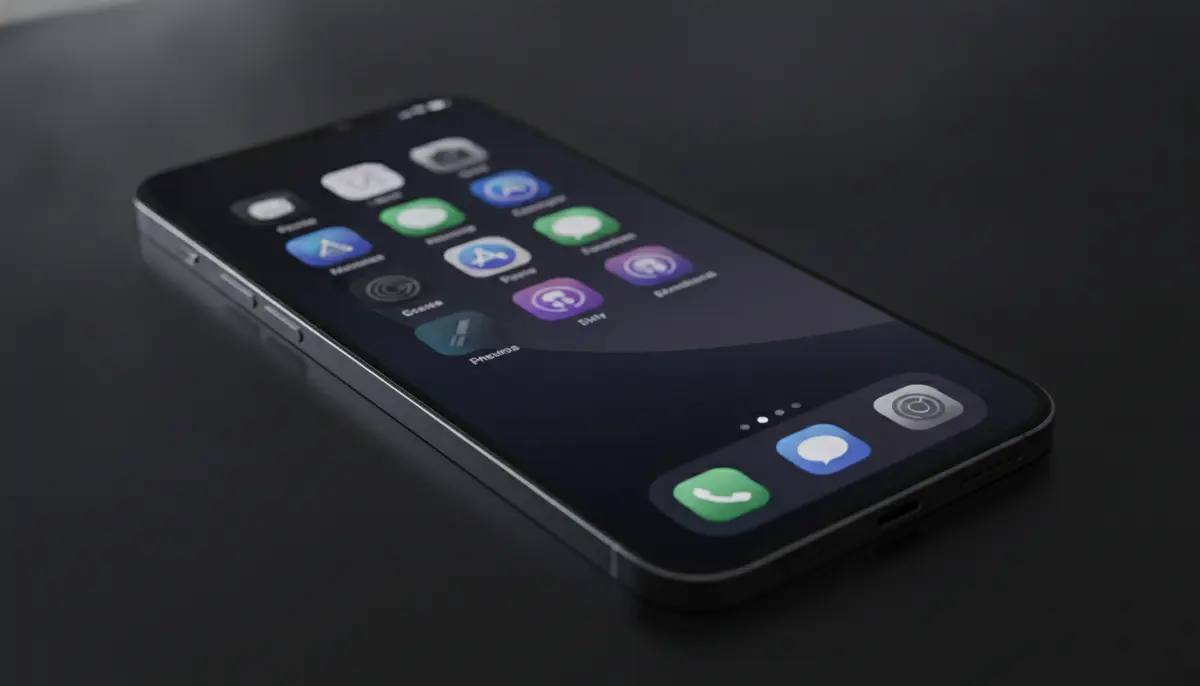
Mastering Minimalism: Your Guide to the iPhone Black Dock Wallpaper in 2025
In 2025, personalizing your iPhone goes beyond just choosing a pretty picture. It's about creating a digital space that reflects your style and boosts your focus. One of the most popular trends is the elegant and understated iPhone black dock wallpaper. This simple change can transform your device, making it look incredibly sleek and modern. You can achieve a truly minimalist aesthetic, reducing visual clutter and enhancing your screen's overall appeal. Let's explore how to get this popular look.
Many iPhone users are now seeking ways to streamline their digital experience. A black dock wallpaper offers a perfect solution. It helps to integrate the dock seamlessly with your background. This creates a more unified and sophisticated appearance. You'll find that a clean screen often leads to a clearer mind.
Understanding Your iPhone Dock: A Quick Refresher
Before diving into customization, let's quickly review what the iPhone dock is. The dock is the transparent or translucent bar at the bottom of your iPhone screen. It holds a few of your most-used apps for quick access. These apps remain visible as you swipe through different home screens. It's a handy feature, but its default appearance doesn't always match everyone's aesthetic preferences.
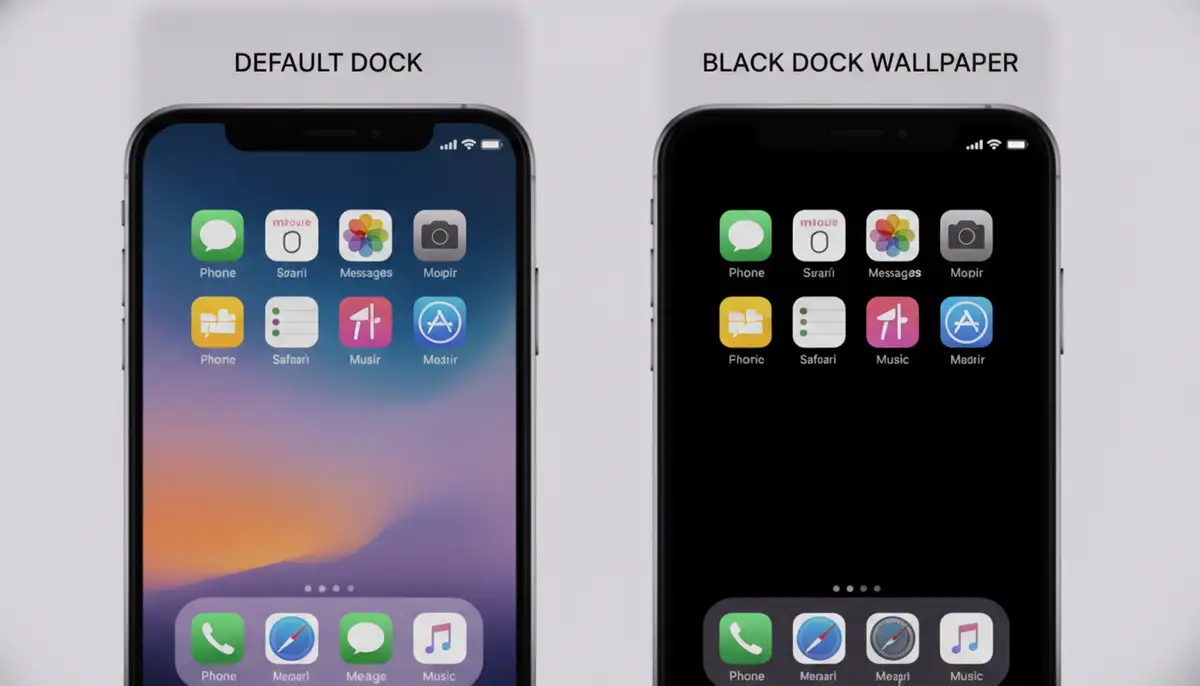
By default, iOS applies a frosted glass effect to the dock. This effect lets a blurred version of your wallpaper show through. While functional, it can sometimes break the clean lines of a minimalist wallpaper. This is where the magic of an iPhone black dock wallpaper comes in. It allows you to take control of this visual element.
Why Choose an iPhone Black Dock Wallpaper?
Opting for an iPhone black dock wallpaper isn't just a style choice; it offers several practical benefits. Many users find it enhances their daily iPhone experience. You might be surprised by the impact of such a small change.
Aesthetic Appeal and Focus
A black dock wallpaper creates a very clean and sophisticated look. It helps your app icons stand out more clearly against a uniform background. This reduction in visual noise can make your screen feel less cluttered. It also allows you to focus better on your apps and widgets. The sleekness of a truly black dock is undeniable.
This minimalist approach appeals to those who appreciate simplicity. It gives your iPhone a premium feel, matching high-end design principles. The consistent black tone provides a professional backdrop for all your digital tasks. It's a powerful way to make your device feel more personal.
Enhanced Productivity and Digital Well-being
A less distracting screen can lead to increased productivity. When your dock blends seamlessly, your eyes aren't drawn to unnecessary visual elements. This helps you concentrate on the task at hand. It contributes to a sense of digital calm. Many people find a minimalist screen reduces their overall screen fatigue.
Furthermore, embracing a minimalist aesthetic supports digital well-being. It encourages you to be more intentional with your app usage. You're less likely to get caught up in endless scrolling. The iPhone black dock wallpaper is a small but effective step towards a more mindful digital life.
Potential Battery Savings (Especially for OLED Displays)
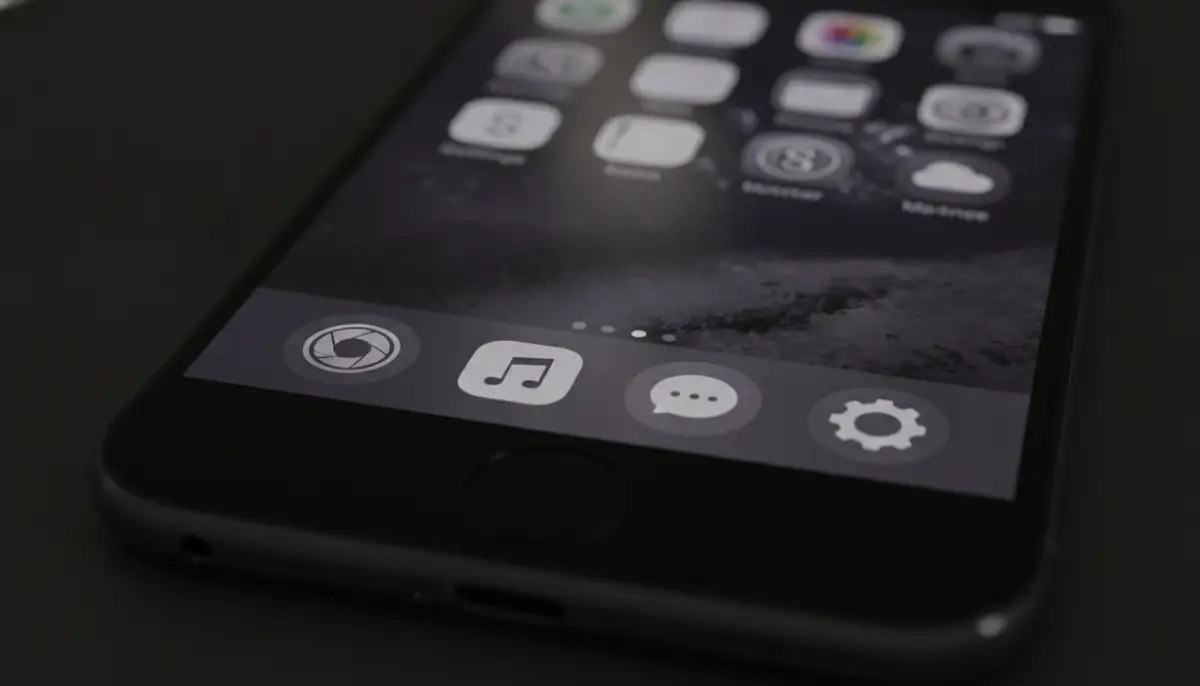
If your iPhone has an OLED screen (iPhone X and newer models), a true black dock wallpaper can offer a slight battery advantage. OLED displays work by lighting up individual pixels. When a pixel displays true black, it's actually turned off. This means less power consumption. While the savings might be marginal for just the dock, every bit helps prolong your battery life. It's a smart, subtle optimization.
Finding Your Perfect iPhone Black Dock Wallpaper
Finding the right iPhone black dock wallpaper can be an exciting journey. There are many options available, from built-in features to specialized third-party solutions. You'll want to choose a wallpaper that perfectly complements your device and personal style.
Built-in iOS Options
Apple's iOS offers some native ways to achieve a darker dock. Using a very dark or completely black wallpaper can naturally minimize the dock's appearance. When you enable Dark Mode on your iPhone, the dock also darkens significantly. This is the easiest first step for most users. Dynamic wallpapers with dark themes can also work well.
However, even with Dark Mode, the dock often retains some translucency. For a truly opaque or hidden black dock wallpaper, you might need to explore other options. This is especially true if you desire a perfectly seamless look. Consider experimenting with various dark stock wallpapers first to see what you prefer.
Exploring Third-Party Apps and Websites
The internet is a treasure trove for custom iPhone black dock wallpapers. Many dedicated wallpaper apps and websites specialize in minimalist designs. You can find options that are solid black, have subtle textures, or even use clever tricks to make the dock appear invisible. Websites like WallpapersCraft, WallpapersWide, and Wallpapers4k offer vast collections. However, sometimes finding a truly optimized black dock wallpaper requires a more specific search.
Our platform, for instance, offers hundreds of live wallpapers and Ultra HD backgrounds for iPhone and Android. We add new options every week, including many designed to enhance or hide the dock. You can often find specialized collections that focus on minimalist themes. For more ideas on wallpapers that effectively hide the dock, you can explore resources like Pinterest's collection of iPhone wallpapers that hide the dock. This can give you a lot of inspiration.
- Search for 'black dock wallpapers iPhone' or 'hide dock wallpapers'.
- Look for wallpapers specifically designed to make the dock disappear.
- Check reviews and ratings for wallpaper apps before downloading.
- Ensure the wallpaper resolution matches your iPhone model for the best quality.
- Consider wallpapers with subtle patterns or gradients that blend with a black dock.
Step-by-Step Guide: Applying Your iPhone Black Dock Wallpaper
Once you've found your ideal iPhone black dock wallpaper, applying it is straightforward. Follow these simple steps to give your iPhone a fresh, minimalist look. You'll have your new setup ready in just a few moments.
- Download your chosen black dock wallpaper to your iPhone's Photos app.
- Open the 'Settings' app on your iPhone.
- Scroll down and tap on 'Wallpaper'.
- Tap 'Add New Wallpaper'.
- Select 'Photos' to browse your photo library.
- Choose the black dock wallpaper you just downloaded.
- Adjust the wallpaper to fit your screen. Pinch to zoom in or out, and drag to reposition.
- Make sure 'Perspective Zoom' is turned off for a static, cleaner look (tap the three dots in the bottom right and toggle it off).
- Tap 'Add' in the top right corner.
- Choose 'Set as Wallpaper Pair' to apply it to both your Lock Screen and Home Screen, or customize further.
Turning off Perspective Zoom is crucial for many dock-hiding wallpapers. This feature can subtly shift the wallpaper, which might reveal parts of the dock you intended to hide. A static wallpaper ensures the black dock wallpaper stays exactly where you want it. This provides the most consistent look.
Advanced Customization: Truly Hiding Your iPhone Dock
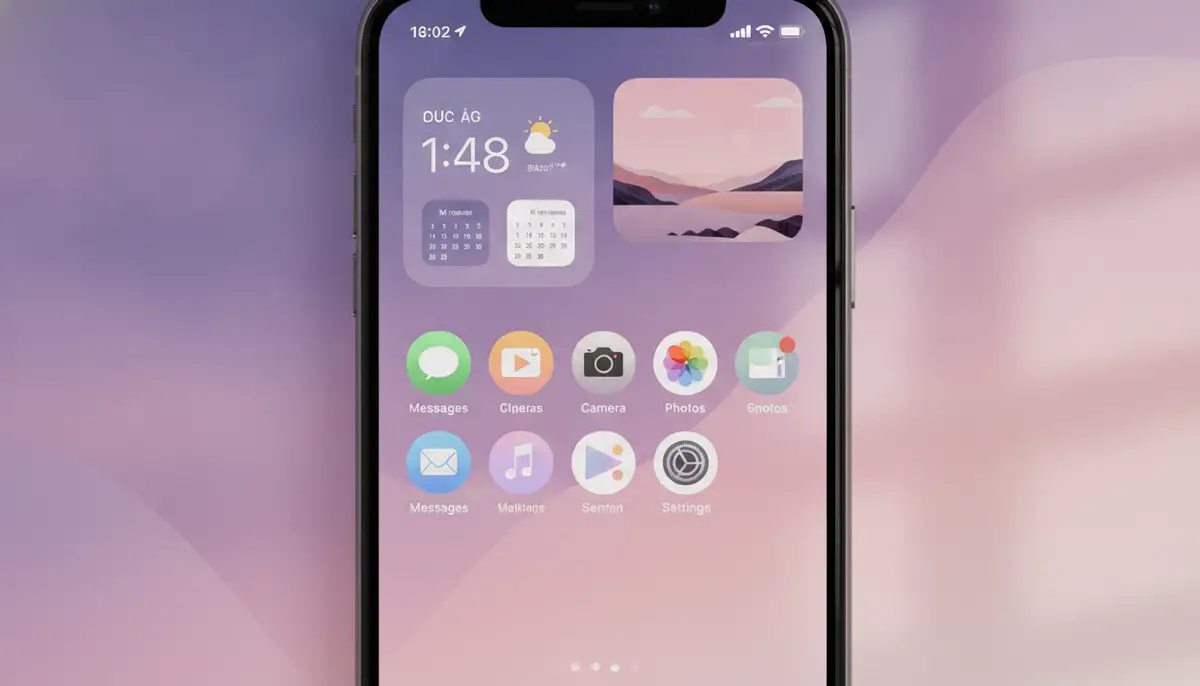
For those who want to go beyond a simple black dock wallpaper and achieve a completely invisible dock, there are clever techniques. These methods often involve specific wallpaper designs or color configurations. You can make your iPhone home screen look incredibly clean and unified.
The 'Blank Space' Method
Some developers create specialized wallpapers that exploit an iOS visual glitch or specific color properties. These 'blank space' wallpapers are designed to make the dock completely disappear. They work by using specific pixel patterns that iOS interprets as transparent in the dock area. For instance, Blank Spaces offers minimalist iPhone wallpapers optimized for iOS that hide your dock. These wallpapers are a fantastic way to simplify your screen even further. They are specifically engineered for this purpose.
These wallpapers are often monochromatic or have very subtle gradients. They create the illusion of a continuous background, where the dock simply isn't there. You'll find that many digital minimalist communities highly recommend these types of solutions. They offer a level of cleanliness that standard wallpapers cannot achieve. The effect of a completely hidden iPhone black dock wallpaper is truly striking.
Leveraging Specific Color Codes
Another advanced technique involves using wallpapers with specific hex codes in the dock area. This method is a bit more technical but can yield excellent results. By carefully matching the dock's background color to the rest of the wallpaper, you can make it blend in. For detailed instructions on how to hide your iPhone dock using specific hex codes, you can refer to expert guides. They often provide the exact color values needed.
This approach typically involves creating or modifying a wallpaper using an image editor. You'll need to identify the precise color value that iOS renders as transparent in the dock. Then, you apply that color to the corresponding area of your wallpaper. This ensures a perfect match and an invisible dock. It takes a bit more effort, but the outcome is a truly customized iPhone black dock wallpaper.
Creative Ideas for Your iPhone Black Dock Wallpaper
The world of iPhone black dock wallpaper isn't limited to just solid black. You can explore various creative options to personalize your device even further. Think about how different textures or patterns can enhance your screen. You have many possibilities to make your iPhone uniquely yours.
Solid Black and Gradients
The simplest and most effective approach is a solid black wallpaper. This creates the deepest, most uniform black dock possible. It's the ultimate minimalist statement. However, you can also experiment with very dark gradients. A gradient that fades from deep black to a slightly lighter dark gray can add subtle depth. This can prevent the screen from looking too flat. It maintains the dark aesthetic while adding visual interest.
Textured and Patterned Black Docks
Consider wallpapers with subtle black textures. A carbon fiber look, a brushed metal effect, or a fine linen texture can add character. These textures are often barely noticeable but add a premium feel. Geometric patterns in dark shades can also be very striking. They can provide a modern and artistic touch to your iPhone black dock wallpaper. Just ensure the patterns are not too distracting.
Integrating with Your Overall Theme
Think about your entire iPhone aesthetic. Does your black dock wallpaper complement your app icons and widgets? You can find icon packs that match a dark, minimalist theme. Widgets can also be customized to blend in or stand out. For example, a black dock pairs perfectly with a comprehensive guide to black and white wallpaper trends for a truly monochrome setup. You want a cohesive look across your entire home screen. This creates a more polished and intentional design.
Common Issues and Troubleshooting for Your iPhone Black Dock Wallpaper
Even with the best intentions, you might encounter a few hurdles when setting up your iPhone black dock wallpaper. Don't worry, most issues have simple solutions. We'll help you troubleshoot common problems so you can enjoy your perfect minimalist screen.
Dock Not Hiding Completely
If your dock isn't completely black or hidden, check your 'Perspective Zoom' setting. As mentioned, this feature can cause slight shifts. Ensure it's turned off when you apply the wallpaper. Also, verify that the wallpaper you're using is specifically designed to hide the dock. Generic black wallpapers might not achieve the same effect. Some wallpapers are simply not optimized for this trick.
Wallpaper Quality Issues
A blurry or pixelated black dock wallpaper can ruin the aesthetic. Always download high-resolution images. Make sure the wallpaper's aspect ratio matches your iPhone model. Using an image that's too small or stretched will result in poor quality. Our platform offers Ultra HD backgrounds, ensuring crisp visuals for your device. Always prioritize quality for the best results.
| Issue | Common Cause | Solution |
|---|---|---|
| Dock is still visible/translucent | Perspective Zoom enabled, non-optimized wallpaper | Turn off Perspective Zoom, use a dedicated 'hide dock' wallpaper |
| Wallpaper looks blurry or pixelated | Low-resolution image, incorrect aspect ratio | Download high-resolution wallpaper, ensure it matches your iPhone's screen dimensions |
| Wallpaper shifts or moves | Perspective Zoom enabled | Disable Perspective Zoom in wallpaper settings |
| Apps in dock don't stand out | Wallpaper too busy or not dark enough | Choose a solid black or very dark, minimalist wallpaper for better contrast |
Beyond the Dock: Other iPhone Customization Trends in 2025
While the iPhone black dock wallpaper is a fantastic starting point, customization in 2025 extends much further. You can personalize almost every aspect of your iPhone's interface. This allows for a truly unique digital experience. Explore new widgets, custom app icons, and even dynamic themes to complement your minimalist dock.
Many users are experimenting with smart stacks of widgets that change based on time or location. Custom icon packs allow you to ditch the standard app icons for a cohesive look. For those who enjoy seasonal changes, learning about expert insights on fall wallpaper backgrounds desktop can inspire your entire device theme. The possibilities for personalization are truly endless. You can create an iPhone that perfectly suits your mood and needs.
The Future of iPhone Customization and the iPhone Black Dock Wallpaper
As we look ahead, iPhone customization is only going to become more sophisticated. Expect to see more AI-generated wallpapers that adapt to your usage patterns. Dynamic themes that change throughout the day will also become more prevalent. The desire for a clean, personalized digital space will continue to drive innovation. The iPhone black dock wallpaper trend is a testament to this ongoing evolution.
Despite these advancements, the timeless appeal of the iPhone black dock wallpaper will likely endure. Its simplicity, elegance, and ability to enhance focus make it a perennial favorite. It represents a fundamental desire for control and calm in our increasingly complex digital lives. You can always rely on this classic look.
Conclusion: Embrace the Elegance of the iPhone Black Dock Wallpaper
Transforming your iPhone with a black dock wallpaper is a simple yet powerful way to embrace minimalism. It offers aesthetic appeal, enhances focus, and can even contribute to battery savings. Whether you opt for a solid black look or a cleverly hidden dock, the result is a cleaner, more sophisticated device. You'll enjoy a more streamlined digital experience every day.
Ready to give your iPhone the minimalist makeover it deserves? Explore our extensive collection of Ultra HD backgrounds and live wallpapers. Find the perfect iPhone black dock wallpaper that speaks to your style. Download now and start customizing your screen today!