

Discovering Great Wallpapers for iPhone: Your Ultimate Guide to a Stunning Screen in 2025
Discovering Great Wallpapers for iPhone: Your Ultimate Guide to a Stunning Screen in 2025
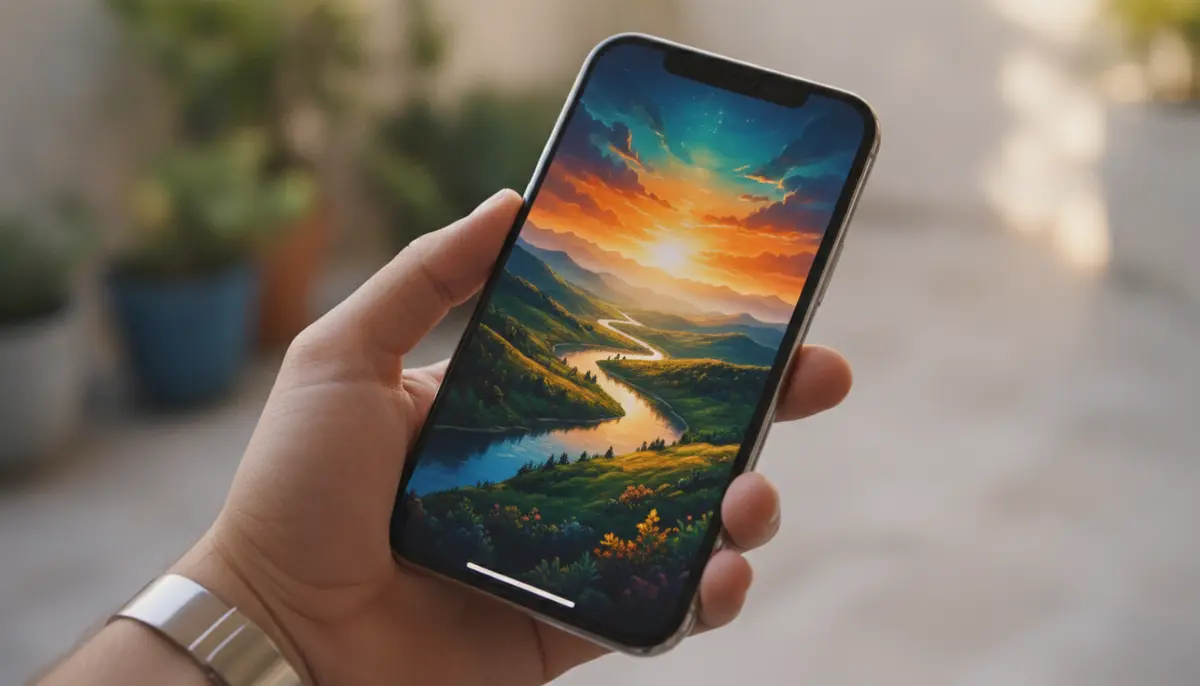
Your iPhone is more than just a phone. It's a personal statement. It's an extension of your style and personality. In 2025, customizing your device is easier and more exciting than ever. Finding great wallpapers for iPhone can completely transform your daily experience. A fresh background can uplift your mood or simply make your phone feel brand new. This guide will walk you through everything you need to know. You will discover the best sources, current trends, and smart tips to make your iPhone truly yours.
Why Your iPhone Deserves Great Wallpapers
Think about how many times you unlock your iPhone each day. Each interaction is a chance to see something beautiful or inspiring. Great wallpapers for iPhone do more than just fill the screen. They reflect your aesthetic. They can even boost your productivity. A calming nature scene might reduce stress. A dynamic abstract design could spark creativity. Personalization is key in today's digital world. Your phone's background is often the first thing you see. It sets the tone for your entire day.
Moreover, a unique wallpaper helps your device stand out. It makes it distinctly yours. With so many options available, you can easily find something that truly resonates with you. Our business specializes in mobile wallpapers, offering hundreds of live wallpapers and Ultra HD backgrounds for iPhone and Android. We add new options every week. We believe everyone deserves a stunning screen. That's why we focus on providing diverse and high-quality selections. You will always find something fresh and exciting.
Understanding Wallpaper Types for iPhone
Before diving into where to find great wallpapers for iPhone, it's helpful to understand the different types. Each offers a unique visual experience. Knowing these options will help you choose the best fit for your preferences and device. Apple has introduced several innovations over the years. These advancements make iPhone wallpapers more dynamic and interactive.
- Static Wallpapers: These are traditional, still images. They are the most common type. Static wallpapers consume the least battery life. They offer a vast array of choices from photos to illustrations.
- Live Wallpapers: These wallpapers animate when you long-press your lock screen. They add a touch of motion and interactivity. Live wallpapers are captivating. However, they use slightly more battery than static images.
- Dynamic Wallpapers: Apple provides these built-in options. They feature subtle, continuous motion. Dynamic wallpapers are fluid and elegant. They are also optimized for battery efficiency.
- Depth Effect Wallpapers: Introduced with iOS 16, this feature allows the subject of a photo to appear in front of the clock on your lock screen. It creates a stunning 3D effect. This makes your great wallpapers for iPhone truly pop.
Each type has its own charm. Your choice depends on what kind of visual experience you prefer. Some users love the simplicity of static images. Others crave the movement of live or dynamic options. The Depth Effect, in particular, adds a modern, sophisticated touch. It makes your lock screen more engaging. Consider these types when you begin your search for the perfect background.
| Wallpaper Type | Key Feature | Battery Impact | Best For |
|---|---|---|---|
| Static | Still image | Low | Maximum choice, battery saving |
| Live | Animates on touch | Medium | Interactive, subtle motion |
| Dynamic | Continuous subtle motion | Low-Medium | Elegant, built-in options |
| Depth Effect | Subject in front of clock | Low | Modern 3D look, striking visuals |
Where to Find Great Wallpapers for iPhone
The internet is a treasure trove for great wallpapers for iPhone. You can find options ranging from professional photography to artistic illustrations. Here are some of the best places to start your search in 2025. These sources offer a wide variety, ensuring you'll find something you love. Remember to always look for high-resolution images. This ensures they look crisp on your iPhone's Retina display.
Built-in iOS Options
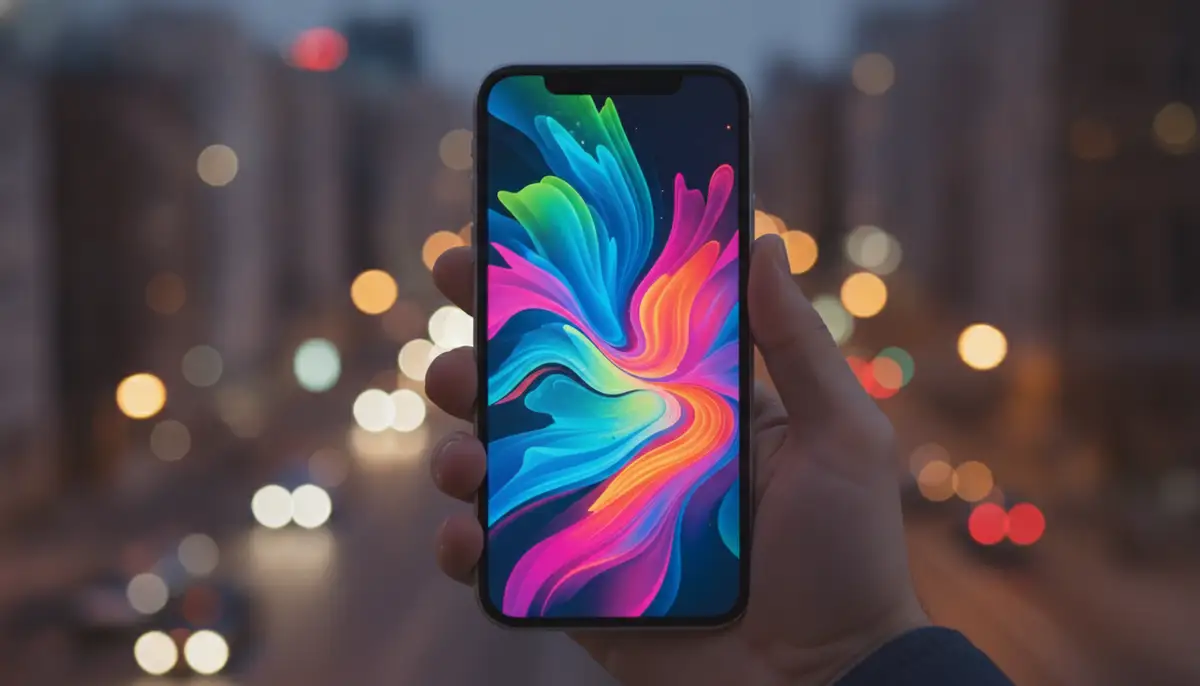
Your iPhone already comes with a selection of beautiful wallpapers. These include dynamic options, still images, and even special ones for different iOS versions. They are always optimized for your device. This is a great starting point, especially if you prefer simplicity. Apple's curated collection is always high-quality. You can access them directly through your Settings app.
App Store Applications
The App Store is brimming with dedicated wallpaper apps. These apps often feature exclusive collections, daily updates, and advanced search filters. They make finding great wallpapers for iPhone incredibly easy. Many offer both free and premium content. For instance, you can find a unique themes and wallpapers app on the App Store. This app provides a vast library across 12 categories. These categories include Abstract, Animals, Nature, and Masterpieces. Always check reviews before downloading. This ensures you get a reliable app with good content.
Dedicated Wallpaper Websites
Numerous websites specialize in high-quality wallpapers. They offer options for various devices, including iPhones. These sites are perfect for discovering unique and diverse backgrounds. You can explore collections of high-resolution iPhone wallpapers on Unsplash. This platform features over 259 free, high-resolution photos. These are specifically curated for iPhone users. Other popular sites include companies like 4K Wallpapers, WallpapersWide, and WallpapersCraft. These sites often categorize content by resolution and theme. This makes your search more efficient. Always ensure you download from reputable sources. This protects your device from potential malware.
Social Media and Community Platforms
Platforms like Pinterest and Reddit are fantastic for discovering trending wallpapers. Users often share their custom creations and favorite finds. You can find endless 4K iPhone wallpaper ideas on Pinterest. This platform is a visual goldmine. It allows you to browse millions of user-generated collections. Reddit communities, such as r/iWallpaper, also offer daily inspiration. These communities are great for finding unique and often niche great wallpapers for iPhone. Engaging with these communities can lead you to truly one-of-a-kind backgrounds.
AI-Generated Wallpapers
The rise of AI has opened new possibilities for personalization. AI tools can now generate unique wallpapers based on your specific prompts. This means you can create truly bespoke great wallpapers for iPhone. Imagine a background perfectly tailored to your favorite colors or themes. This technology is rapidly evolving. It offers limitless creative potential. Many apps and websites now integrate AI generation features. This allows you to design your dream wallpaper with ease. If you're looking for something truly custom, AI is the way to go.
To get a visual understanding of some of these amazing options, especially 4K wallpapers, check out this video:
. It offers great insights and links to some fantastic resources. This video can help you find some truly great wallpapers for iPhone. It shows how to maximize the visual quality on your device.Choosing the Perfect Great Wallpapers for iPhone
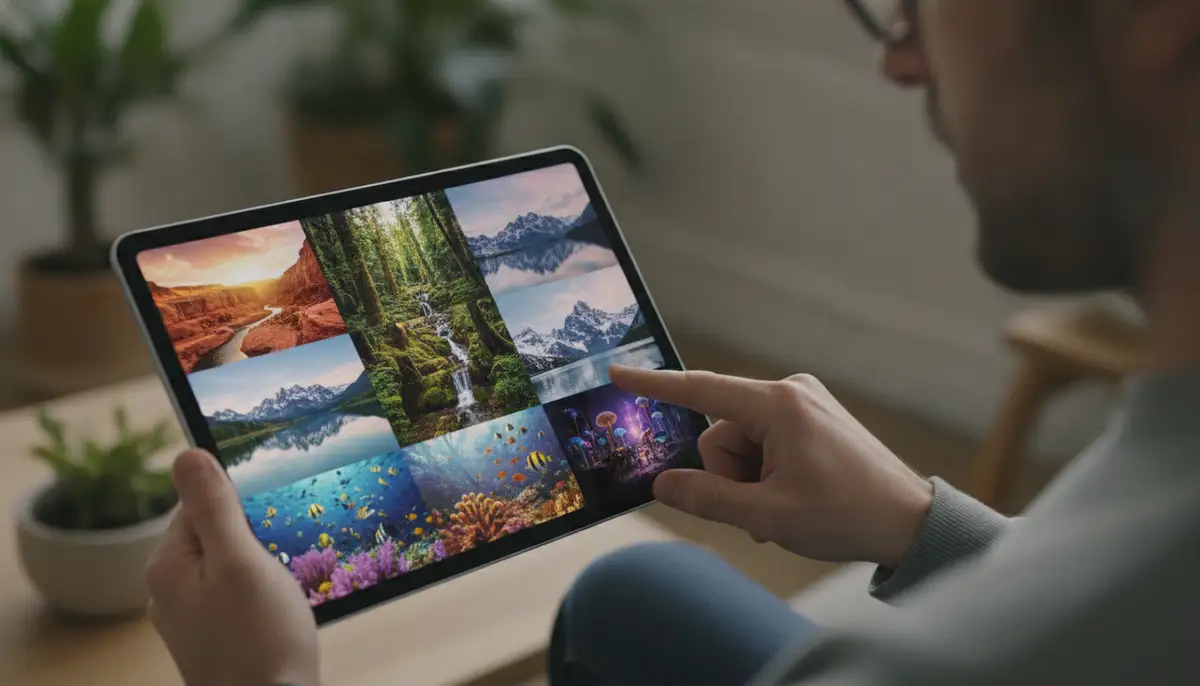
With so many options, choosing the perfect wallpaper can feel overwhelming. However, a few considerations can guide your decision. Think about what truly resonates with you. Your wallpaper should enhance your iPhone experience, not detract from it. The right choice can make a significant difference. It can make your device feel more personal and enjoyable.
- Consider Your Style: Do you prefer minimalist, vibrant, dark, or realistic images? Your wallpaper should reflect your personal taste. It should make you happy every time you see it.
- Screen Size and Resolution: Always choose wallpapers that match your iPhone's resolution. This ensures clarity and sharpness. Lower resolution images will appear pixelated. They will not look like great wallpapers for iPhone.
- Battery Life: Live wallpapers and highly animated options consume more battery. If battery life is a priority, opt for static or dynamic wallpapers. They offer beauty without the drain.
- Visibility of Apps and Widgets: Ensure your wallpaper doesn't make your app icons or widgets hard to see. A busy background can make your home screen cluttered. Choose something that complements your layout.
- Depth Effect Compatibility: If you love the Depth Effect, choose photos with clear subjects. These subjects should be easily distinguishable from the background. This will make the effect more pronounced.
Additionally, think about the overall aesthetic you want to achieve. Do you want a consistent theme across your lock and home screens? Or do you prefer something different for each? For a more comprehensive guide on customizing your device's look, check out our article on mastering your iPhone's look. It delves deeper into all aspects of personalization. This will help you find truly great wallpapers for iPhone.
Trending Great Wallpapers for iPhone in 2025
Wallpaper trends evolve just like fashion. In 2025, several styles are dominating the iPhone customization scene. Staying current with these trends can give your device a modern edge. These trends often reflect broader design movements. They offer fresh perspectives for your screen. Here are some popular styles for great wallpapers for iPhone right now.
- Minimalist Aesthetics: Clean lines, simple colors, and uncluttered designs remain popular. They offer a sense of calm and sophistication. Minimalist great wallpapers for iPhone reduce visual noise. This helps your apps stand out.
- Abstract Art: Bold shapes, vibrant colors, and unique patterns are trending. Abstract wallpapers can be highly expressive. They add an artistic touch to your device. They are perfect for making a statement.
- Nature and Landscapes: Serene mountains, calming oceans, and lush forests never go out of style. High-resolution nature shots bring tranquility to your screen. They connect you with the natural world.
- Dark Mode Optimized: Wallpapers designed specifically for dark mode are gaining traction. They feature darker tones that complement the system-wide dark interface. These are perfect for reducing eye strain.
- AI-Generated Concepts: As mentioned, AI-created art is a huge trend. Unique, surreal, and futuristic designs are popular. They offer a level of personalization previously impossible. These are truly great wallpapers for iPhone.
- Gradient Blurs: Soft, subtle color transitions with a blurred effect create a sophisticated and modern look. These are often paired with the Depth Effect. They provide a beautiful backdrop without distracting from icons.
Our platform is always updating with the latest trends. We offer hundreds of live wallpapers and Ultra HD backgrounds for iPhone and Android. New additions arrive every week. This ensures you always have access to the freshest and most stylish great wallpapers for iPhone. We keep our collections diverse. This way, there's something for every taste and preference. You will always find something that matches your current mood or style.
How to Set Your New Great Wallpapers for iPhone
Once you've found your perfect great wallpapers for iPhone, setting them up is straightforward. Apple has streamlined this process. You can easily change your background in a few simple steps. Here's how to do it:
- Go to Settings: Open the 'Settings' app on your iPhone.
- Tap Wallpaper: Scroll down and tap on 'Wallpaper'.
- Add New Wallpaper: Tap 'Add New Wallpaper' or 'Choose a New Wallpaper' (depending on your iOS version).
- Select Your Image: Browse through Apple's default options or select an image from your 'Photos' library. If you downloaded a live wallpaper, ensure you select it from the 'Live Photos' album.
- Customize (Optional): Adjust the position, zoom, and apply filters if desired. For Depth Effect, ensure the subject is clear and the effect is enabled.
- Set as Wallpaper: Tap 'Add' in the top right corner. Then choose whether to set it for your 'Lock Screen', 'Home Screen', or 'Both'.
It's a quick and easy process. You can change your wallpaper as often as you like. Don't be afraid to experiment with different looks. This allows you to keep your iPhone feeling fresh. Finding great wallpapers for iPhone and applying them is part of the fun. It's a simple way to refresh your device's appearance.
Optimizing Your Wallpapers for Performance
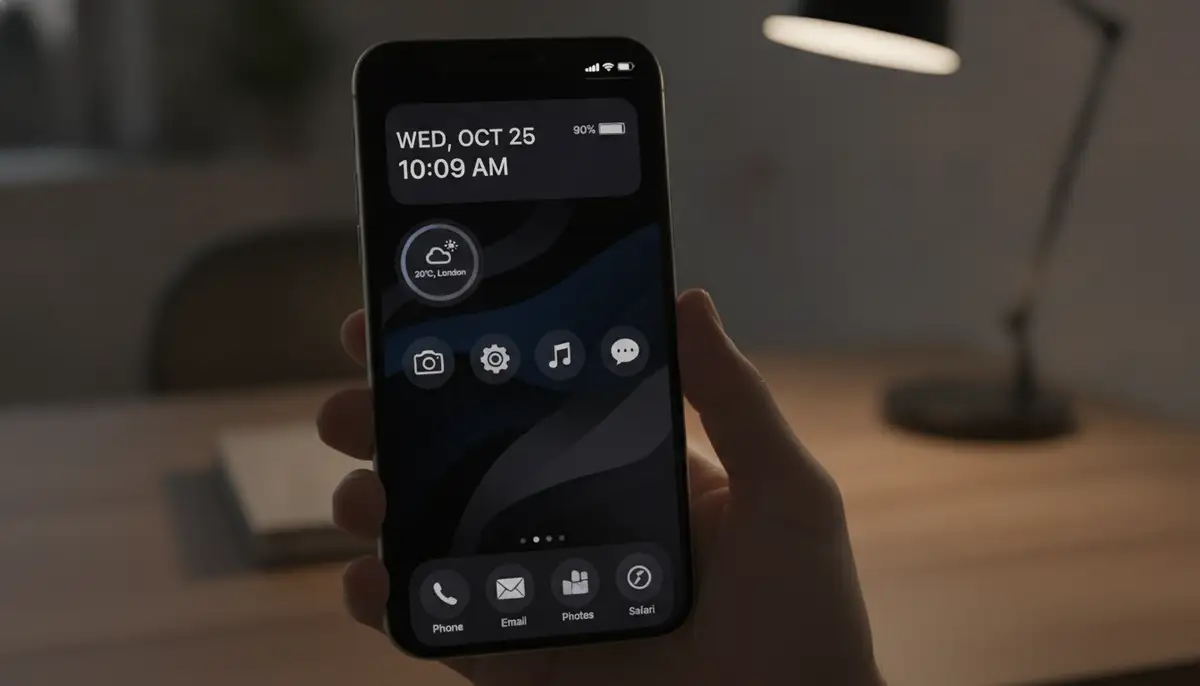
While great wallpapers for iPhone enhance aesthetics, it's also important to consider performance. Some wallpaper choices can impact your iPhone's battery life or overall speed. Here are some tips to ensure your stunning background doesn't slow you down. Balancing beauty and efficiency is key. You want your phone to look good and perform well.
- Choose High-Quality, Not Overly Large Files: While high resolution is good, excessively large file sizes can consume more storage and processing power. Look for optimized images. These offer great quality without being unnecessarily huge.
- Limit Live Wallpapers if Battery is Critical: If you're consistently low on battery, consider switching from live wallpapers to static or dynamic ones. The constant animation, however subtle, uses more power.
- Disable 'Reduce Motion' for Dynamic Wallpapers: If you use Apple's dynamic wallpapers and have 'Reduce Motion' enabled in Accessibility settings, the animation might be disabled. Ensure this setting is off if you want the full dynamic effect.
- Regularly Update iOS: Apple often includes performance optimizations in iOS updates. Keeping your software current can help manage how wallpapers impact your device.
By following these tips, you can enjoy beautiful great wallpapers for iPhone without compromising your device's performance. It's all about making smart choices. This ensures a smooth and visually appealing experience. Your iPhone should always run optimally.
Beyond the Lock Screen: Customizing Your Home Screen
Great wallpapers for iPhone are just the beginning. Your home screen offers even more opportunities for personalization. You can create a cohesive and functional aesthetic. This goes beyond just the background. Integrating widgets and custom app icons can elevate your entire iPhone experience. It makes your device truly unique. Think of your home screen as a canvas.
- Widgets: iOS allows you to add widgets to your home screen. These display information at a glance. Choose widgets that complement your wallpaper's colors and style. This creates a unified look.
- Custom App Icons: Many third-party apps and Shortcuts allow you to change app icons. You can match them to your wallpaper's theme. This gives your home screen a truly custom feel.
- App Library Organization: Keep your app library tidy. This helps maintain a clean home screen. A well-organized library makes finding apps easier.
Consider seasonal themes for your home screen. For example, you might enjoy exploring seasonal desktop backgrounds to inspire your iPhone's fall look. This approach can keep your device feeling fresh throughout the year. It allows for creative expression. Pairing your great wallpapers for iPhone with matching widgets and icons creates a powerful visual statement. It transforms your phone into a personalized hub. This makes every tap and swipe more enjoyable.
The Future of Great Wallpapers for iPhone
The world of mobile customization is constantly evolving. In the coming years, we can expect even more innovative features for great wallpapers for iPhone. Technology continues to push boundaries. This will bring new ways to personalize our devices. The future looks exciting for iPhone aesthetics. We anticipate even more immersive experiences.
- Augmented Reality (AR) Wallpapers: Imagine wallpapers that interact with your environment. AR technology could bring dynamic, responsive backgrounds. These would change based on your surroundings or movements.
- Hyper-Personalized AI: AI will become even more sophisticated. It will learn your preferences over time. This could lead to wallpapers that adapt to your mood, time of day, or even your calendar events. This would create truly unique great wallpapers for iPhone.
- Interactive Lock Screens: Beyond live wallpapers, future lock screens might offer deeper interactivity. You could have mini-games or dynamic information displays directly on your background. This would make them more engaging.
- Seamless Cross-Device Themes: Expect more integration between your iPhone, iPad, and Mac. Wallpapers and themes could sync seamlessly across all your Apple devices. This would create a unified ecosystem.
Our business is at the forefront of these innovations. We are constantly exploring new technologies. We aim to bring you the most cutting-edge mobile wallpapers. Our commitment means new additions every week, including Ultra HD backgrounds. We want to ensure you always have access to the future of great wallpapers for iPhone. We are excited about what's next. We strive to keep your screen stunning and relevant.
Conclusion: Elevate Your iPhone with Great Wallpapers
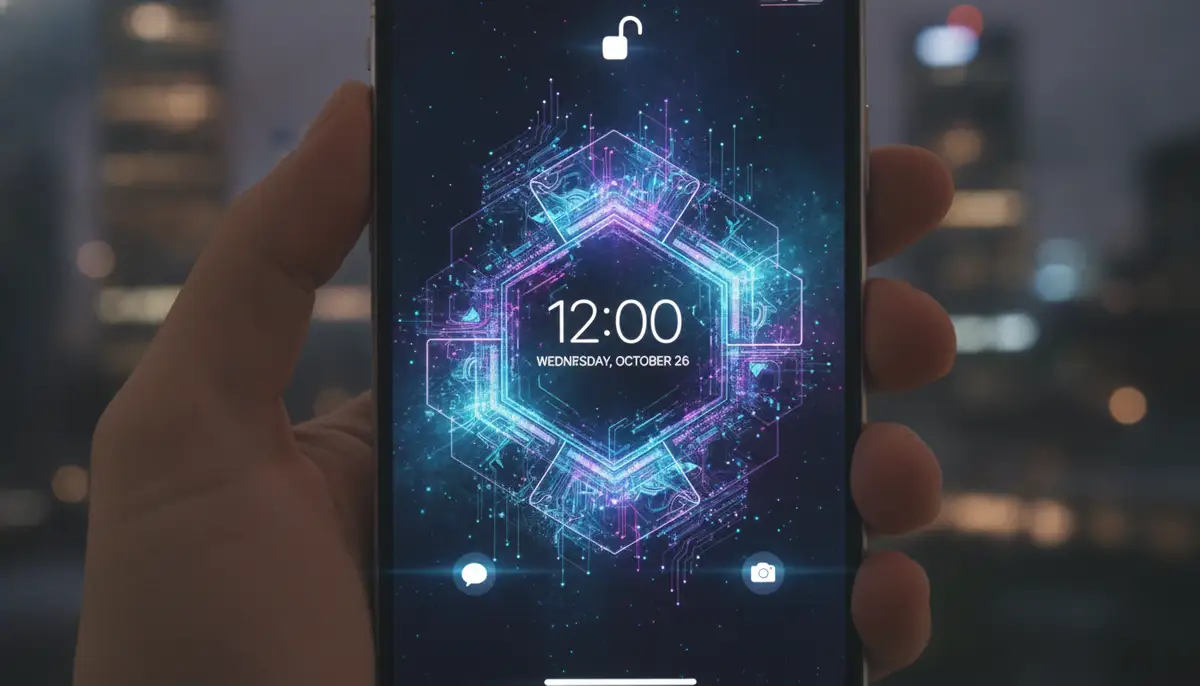
Your iPhone is a powerful tool. It's also a canvas for self-expression. Choosing great wallpapers for iPhone is one of the simplest yet most impactful ways to personalize your device. It reflects your style. It can even influence your daily mood. From static masterpieces to dynamic AI-generated art, the options are limitless. We've explored the best sources and latest trends. We've also covered how to optimize your choices. Now you have the knowledge to create a truly stunning iPhone experience.
Don't settle for a default background. Take the time to explore the vast world of great wallpapers for iPhone. Find those perfect images that speak to you. Make your device uniquely yours. A fresh wallpaper can make your phone feel new again. It can bring a smile to your face every time you pick it up. Ready to transform your iPhone? Download now and discover hundreds of live wallpapers and Ultra HD backgrounds. New additions arrive every week!